
Search for a layer in the design file.
The intention is included in the agent’s input prompt alongside environment details and task instructions.
BeforeThe defect at the parent commit
0:00.00 / 0:00.00Frame 0 · Review the first layer-search match
Watch the layer-search panel when navigation reaches the last match. The workspace shifts upward, leaving a large unused band beneath the layers and canvas.
AfterThe same script once the merged fix is applied
0:00.00 / 0:00.00Frame 0 · Review the first layer-search match
Navigating to the last search match leaves the workspace panels in place, with the canvas and layers extending to the bottom.
01 · Given
Restore the data and starting state.
The file contains more Waypoint layers than fit in the visible Layers panel. Layer-name search is open at the first matching result.
02 · When
Perform the interaction.
The user clicks Previous once.
03 · Judge
Rationale: Layers represent the objects in a design file. When the list is too long to browse easily, search helps a designer locate an object to work on. Navigating to a result should scroll the layer list without displacing the canvas or hiding the editing controls.
Require
Navigating to the last search result brings the target layer into view while keeping the workspace header and toolbar visible and the canvas filling the available workspace area.
Allowed
- The Layers list may scroll and the canvas may pan or animate to reveal the target.
- Panel dimensions, spacing, and styling may vary while preserving access to the workspace controls.
Model
HarnessDeepSeek Flash
DSH
30.2M in · 85.9k out · 30.3M total
DSH · 166 steps · $0.35 · 50m 13s · 30.3M tokens
DSH
166
$0.35
50m 13s
30.2M
85.9k
30.3M
GLM-5.3 Flash
ZCode
22.8M in · 85.1k out · 22.9M total
ZCode · 208 steps · $0.75 · 1h 12m · 22.9M tokens
ZCode
208
$0.75
1h 12m
22.8M
85.1k
22.9M
Qwen3.8 Max
Codex
11.6M in · 81.4k out · 11.7M total
Codex · 120 steps · $3.80 · 1h 12m · 11.7M tokens
Codex
120
$3.80
1h 12m
11.6M
81.4k
11.7M
Claude Opus 5.5
Claude Code
11.4M in · 59.0k out · 11.4M total
Claude Code · 113 steps · $4.25 · 37m 29s · 11.4M tokens
Claude Code
113
$4.25
37m 29s
11.4M
59.0k
11.4M
GPT-6 Astra
Codex
5.5M in · 16.4k out · 5.5M total
Codex · 72 steps · $7.35 · 24m 59s · 5.5M tokens
Codex
72
$7.35
24m 59s
5.5M
16.4k
5.5M
Kimi K3
Kimi Code
22.5M in · 72.2k out · 22.6M total
Kimi Code · 205 steps · $8.55 · 50m 07s · 22.6M tokens
Kimi Code
205
$8.55
50m 07s
22.5M
72.2k
22.6M
Community & collaboration
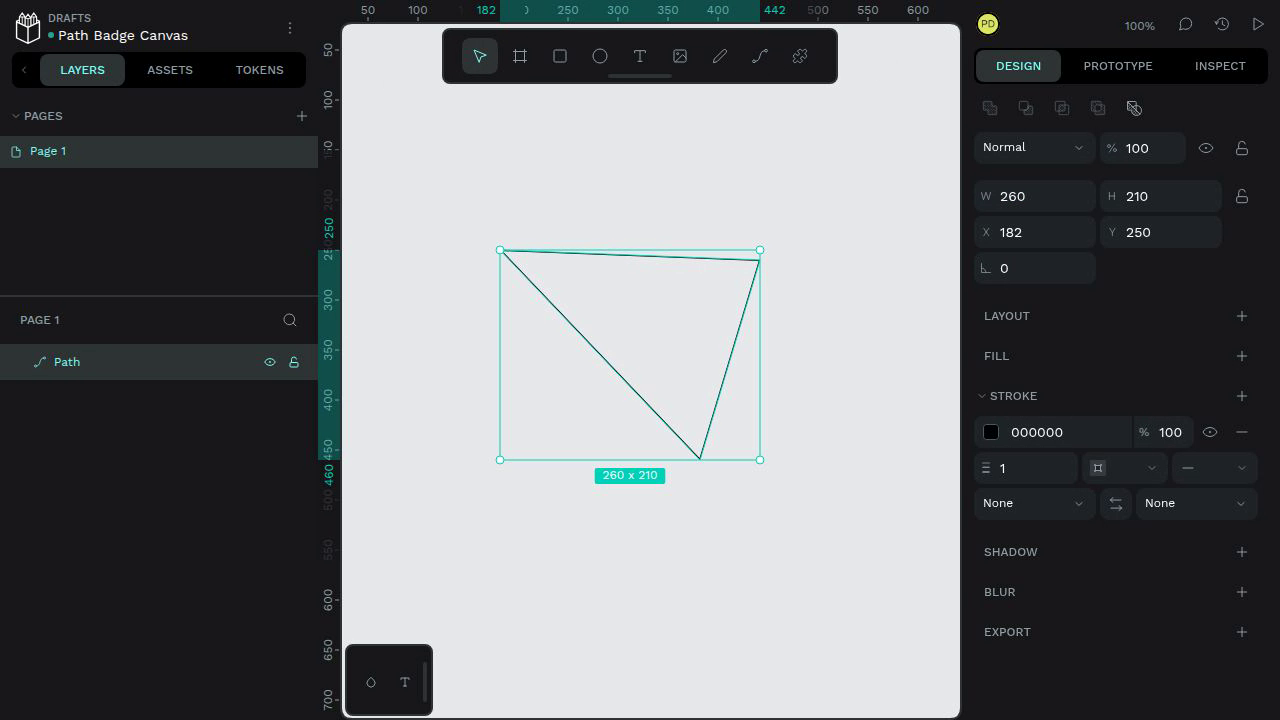
Draw and select a closed path to inspect its size badge
The selected 260 x 210 path's size badge below the bounding box contains only an "x" character; the numeric width and height are absent from the badge.
#10550
Community & collaboration
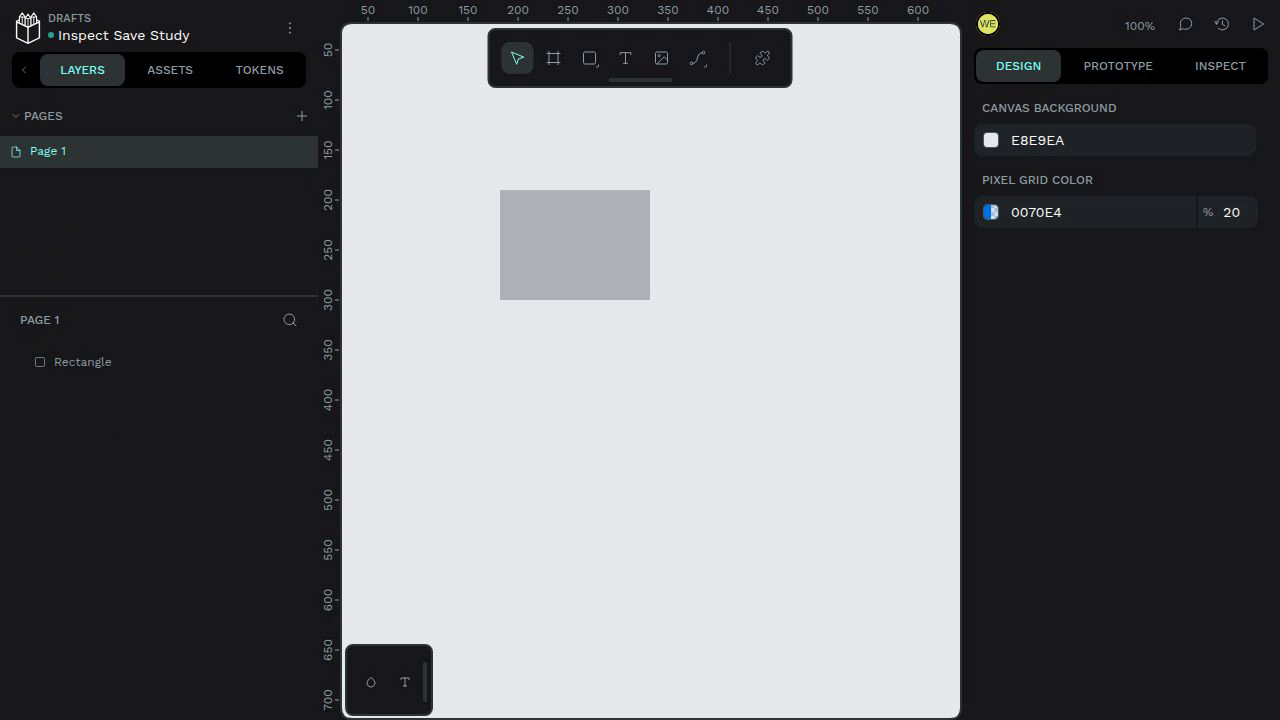
Preserve pending design edits through Inspect mode and version previews
Inspect mode shows a View Only banner while the pending rectangle remains visible and the header remains in Saving beyond the autosave interval. Returning through the dashboard and reopening the same file shows that the rectangle was not saved.
#11699