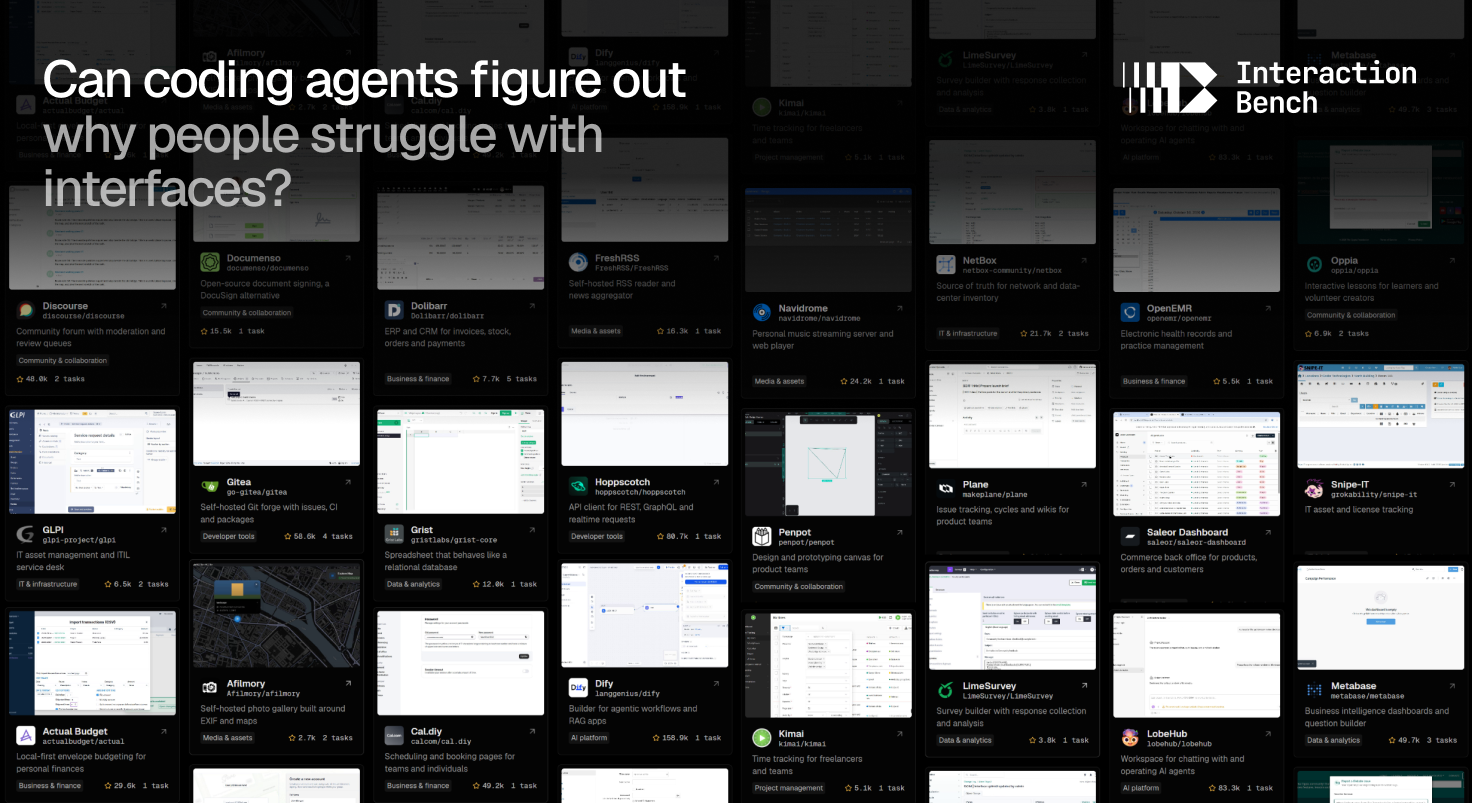

Some bugs no test suite will ever catch for you. A button gives no sign that it was pressed. A dialog closes and throws away what someone typed. A setting can only be reached through an icon with no label. Nothing crashes, nothing goes red in CI, and the only way to find out is to use the product.
Today we are releasing Interaction Bench 0.1 as a preview. It asks whether a coding agent can find problems like these from the user's side and fix them. This post covers how the benchmark came together, what the first results show, and why we want your feedback before 1.0.
Where it started
Since 2023 we have maintained LobeHub, an open-source product with 83k GitHub stars and more than 2.5 million lines of code. A product that size is mostly details: settings, panels, dialogs, shortcuts and edge-case states, each used by someone in a way we did not plan for. Many of the reports we handle look like the ones above, and fixing them rarely takes clever code. The hard part is noticing them: you have to walk through the task the way a user would, see where the interaction gets in the way, and decide what the product should do instead.
Meanwhile, coding agents got good at the other kind of bug. Give one a repository and a failing test, and it will often close the gap. With computer-use tools, it can also click through a running interface. So we asked a question that needs both skills at once: starting only from what a person is trying to do, can an agent notice where the interaction gets in their way, and fix it?
Narrowing the question
"Interaction problems" is too broad to measure. Two decisions made it tractable.
The first was scope. We focus on usability problems: places where an application makes it hard for a person to find, perform or understand what they need. We leave out visual taste and preference, which have no single right answer to grade against yet.
The second was the lens. Human–computer interaction and cognitive psychology explain how attention, memory and prior experience shape how people use software. Each task is framed around that loop: what the person is trying to do, how the application responds, and why that response causes difficulty.
We also chose to work on existing products in maintenance, not greenfield apps. Specs go out of date as features pile up, and real users show up with devices, habits and needs nobody planned for. That is where most of these problems live, and where most engineering time goes.
From 4,356 pull requests to 44 tasks
Every task comes from a maintenance record in a real open-source product: a problem users ran into, and the pull request its maintainers merged to fix it. The funnel is steep:
For each surviving case, construction agents reproduce the problem with replay scripts, record it on video, and draft the behavior a repair must show, why it serves the user's goal, and which alternatives also count. People then review every draft before it becomes a task. Every task has a demonstrated repair, so we know it is solvable. The pipeline page has the full criteria.
The trial-review stage matters more than its numbers suggest. If an agent can find a problem just by reading the source, that task measures code search, not whether the agent notices what a person would notice.
Grading the outcome, not the path
Repairing an interaction is open-ended, and we do not try to grade how an agent gets there. The agent receives the user's intention, the source code and a runnable environment. The diagnosed problem and the reproduction steps are withheld. Once it submits a patch, a separate grader applies it to a fresh copy of the product, replays the interaction and judges the observed behavior against the reviewed requirements. A repair that differs from the maintainer's can still pass.
What the first results say
We ran six agents, each pairing a model with the harness it ships in, across all 44 tasks. The pass rates below are frozen at the 0.1 release; the leaderboard has the live numbers.
The numbers matter less than how the agents failed. Even the strongest agent tends to check the obvious path and miss the obstacle a person would hit first.
Asked to explore a photo's location on a map, GPT-6 Astra opened the map and tried the zoom controls, but never dragged it. Dragging is how you would see the location marker move away while the photo card stays put. Play all three recordings to compare the problem, the agent's patch and the fix the maintainers merged:

Watch the blue photo marker and the details card as the map moves. The card stays near the center while its marker moves away.
Watch the landscape card and its blue marker move together during the pan and remain aligned afterward.
Asked to draw a closed path, it confirmed that the path closed and saved, but missed the size badge next to the shape, which had lost its width and height:

Follow the triangle from drawing to selection. The selection's size badge displays x instead of the path dimensions.
The closed triangle's selection badge displays its dimensions consistently with the properties panel.
Agents can operate an interface. Noticing what it feels like to use, and knowing how it should change, is where the biggest gap is.
Why this is a preview
Generating tasks is automated: agents screen pull requests, reproduce problems, draft requirements and run trial evaluations. People still review the drafts and trial results before any task is released. Because generation is automated, the size of the benchmark is not what limits us. The 44 tasks in 0.1 are a deliberately small first batch, released to gather feedback from the community before we scale up.
Getting here also took many judgment calls: which reports count as usability problems, how strictly to phrase requirements, which alternatives to allow, and how the grader should weigh evidence. Some of those calls are surely wrong, and the pipeline and our review would repeat them in every new task. We would rather fix them now than across a hundred tasks.
What we would like to hear
- A task you think is unfair. For example, the requirements ask for more than the problem justifies, the intention gives too much or too little away, or the problem can be spotted without using the product.
- A verdict you disagree with. Every trajectory shows the agent's work and the grading evidence. If a pass or a fail looks wrong, tell us which one and why.
- Problems and products we should include. Point us to a usability fix you have merged, or a product whose users hit these problems.
- Agents we should run. Tell us which models or harnesses you would like to see on the leaderboard.
- Anything confusing on this site. That counts as feedback too.
Open an issue on GitHub, find us on Discord, or email hello@evalsys.org. To dig into a task yourself, the contributor guide shows how to preview, replay and debug it locally.
Next: 1.0
We plan to release Interaction Bench 1.0 in about a month, with around 100 tasks. What goes into it depends on what we hear between now and then. We will fold your feedback into the pipeline, revise or drop the tasks that do not hold up, and say what changed and why. If you have ten minutes, pick a task, watch an agent attempt it, and tell us where we got it wrong.
Browse the tasks · Read the methodology · Browse the environments